NeedAnAI Park
A walk through how this directory works. Each place in the park is one part of the work, in the order a tool meets it, from the gate where you come in to the observatory where we look ahead. Open a place to read what happens there and why it matters when you are choosing an AI tool.

The Gate
A task-first directory of AI tools: you say what you want done, and it points you at the tools that do it.
NeedAnAI is a directory of AI tools built around the job you are trying to get done: write a script, clean up audio, make a product photo. It is built and run by a small independent team.
Most of the work is done by software we wrote: crawlers, site checkers and language models. People set the rules, review what the machines flag, and make the calls that should not be automated. The rest of this park shows each part of that work.
Discovery Hill
New tools are found every day on public sources, and makers can send theirs in.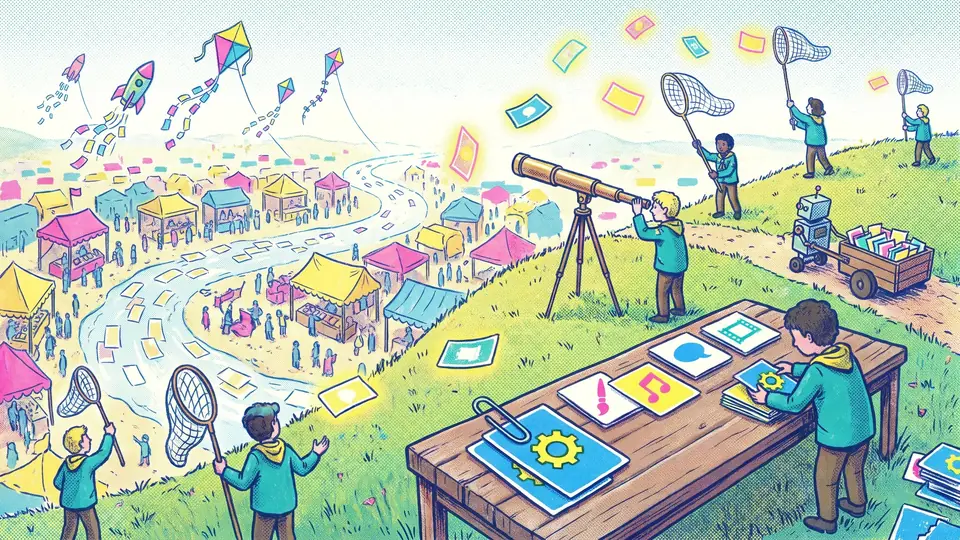
Every day our crawlers look for new AI tools on Product Hunt, Hacker News, GitHub trending and other public AI-tool directories, and twice a week they make a deeper sweep. Tool makers can also send a tool in through the free submission form.
Each candidate is compared with the whole catalogue, by its domain and by a fuzzy match on its name, so one product does not turn into several listings. A language model then helps file it into categories and tasks. Filing is the step most likely to be imperfect; if a tool sits under the wrong task, telling us is the fastest fix.
The Checkpoint
A tool gets in only when its site answers, it has passed review, and AI is really part of the product.
A tool is not published the moment it is found. To enter the catalogue it has to be reachable, have cleared review, carry a checked description of real length, be written in English, and be an AI tool: a separate check, quoting the tool’s own website, has to find that AI is part of the product, or a person has to sign it off. Until then its page shows an “under review” notice. Whoever submitted a tool gets an email with the outcome and the reason.
Getting in is not the end of it. Every live site is re-checked on a rolling cycle that takes five to eight weeks, and a site behind bot protection is re-checked through a real desktop browser before anything is concluded. A tool is marked dead only when a person confirms it, or when two independent checking engines both find it gone. One engine alone can only flag it for review.
The Workshop
Language models write each profile from the tool’s own website, under rules that are checked.
Descriptions, pros and cons, pricing summaries, FAQs and the one-line summaries on tool cards are written by language models, and we say so plainly. They normally work from a fresh read of the tool’s own website; when a site blocks our scraper, or what it returns describes a different product, they work from web search results about the tool instead.
The rules: describe only what the sources support, never invent a feature, use a multi-digit number only if it appears in the sources, and leave out the marketing words that make every listing sound the same. Each reply is checked against those rules. One with defects is sent back once with the list of defects, and a profile is never replaced by a lower-scoring one.
A model review then compares the profile with the live website and confirms or corrects it; that is what the check mark on a tool means. Every pricing change on a listed tool has been recorded since September 2026.
The Archive
Listings are records: when a tool shuts down, its page stays, clearly marked.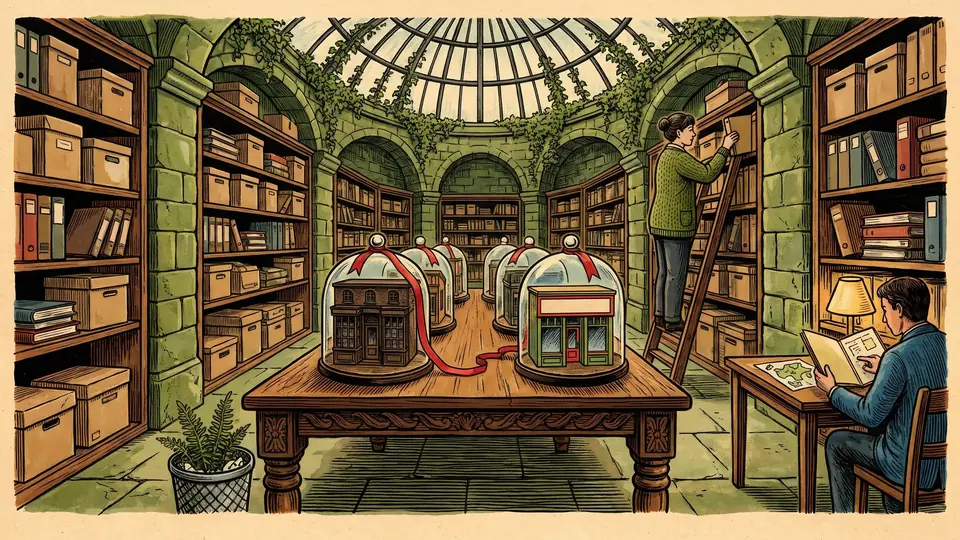
Nothing in the catalogue is erased. When a tool is confirmed gone, or the company behind it moves on from the product, its page stays online as a record: a clear banner, no link to the old website, and links to current alternatives. It leaves search, categories and recommendations and joins the list of discontinued tools instead, and a search for its name still finds it.
When a listing is wrong, it is corrected, not removed. Rebrands, ownership changes and shutdowns are recorded. Write to us with the page link and what should change, and we review every report.
The Search Tower
Search by the job you need done, ask in plain words, or let your own AI agent search for you.
The search page finds tools for a task or by name, and you can narrow the results by category and pricing. You can also ask Nia, the site’s AI shop assistant, a question in plain words: Nia is an AI, the answer is written by Anthropic’s Claude from our catalogue, and like any AI-written text it can be wrong.
AI agents have a door of their own. A free MCP server, the @needanai/mcp package and a JSON API let Claude, ChatGPT, Cursor, VS Code or any agent search the same catalogue. Reads are free and need no account; a free API key adds watches that send an email or a webhook when a tool’s status or pricing changes.
The Labs
The tools and services we build and run ourselves.
Besides the directory, we build a few tools of our own. Most live on this site, each on its own page; one is a service we sell, on its own website.
- Bible BelieverFrom NeedAnAI
Ask what the Bible says: the case for and against, from the verses alone.
- Manga JukeboxFrom NeedAnAI
Send a poem or a short text in any language; the ones we choose come back as sung manga music videos.
- NeedAnAI MigrateFrom NeedAnAI
We move WordPress news sites, magazines and blogs to EmDash on Cloudflare, every URL kept, at a fixed price. Start with a free scan.
- Bible BelieverFrom NeedAnAI
The Observatory
What we plan to build next, stated as plans.
From the hill you can see what is planned. None of it has a date, and the order may change; the roadmap is where these plans are kept current.
Up next
Planned; order may change.
- Daily check of every live tool. A light check of every live tool each day, so a change shows up within a day.
- Tool history tab. A timeline on each tool page: when it changed its pricing, its pitch, or went dark.
- Watch from the website. Follow the tools you rely on from your profile, no API key needed, and hear about changes first.
- Weekly "what changed" page. A public page each week with the pricing and status changes across the catalogue.
On the horizon
Ideas we're committed to exploring.
- Pro. Full history, exports and higher limits for people and agents who need depth.
- Market view by category. Public pages on how whole categories evolve: what survives, what goes free, what gets pricier.
- Citable pricing reports. Regular reports on the state of AI-tool pricing, free to read and cite.
- Competitor monitoring. Monitoring and market intelligence on the same engine, for vendors and analysts.


